Lucid Canvas Experience · Nudging
Make room on the shared canvas without disrupting each other’s work.
OVERVIEW
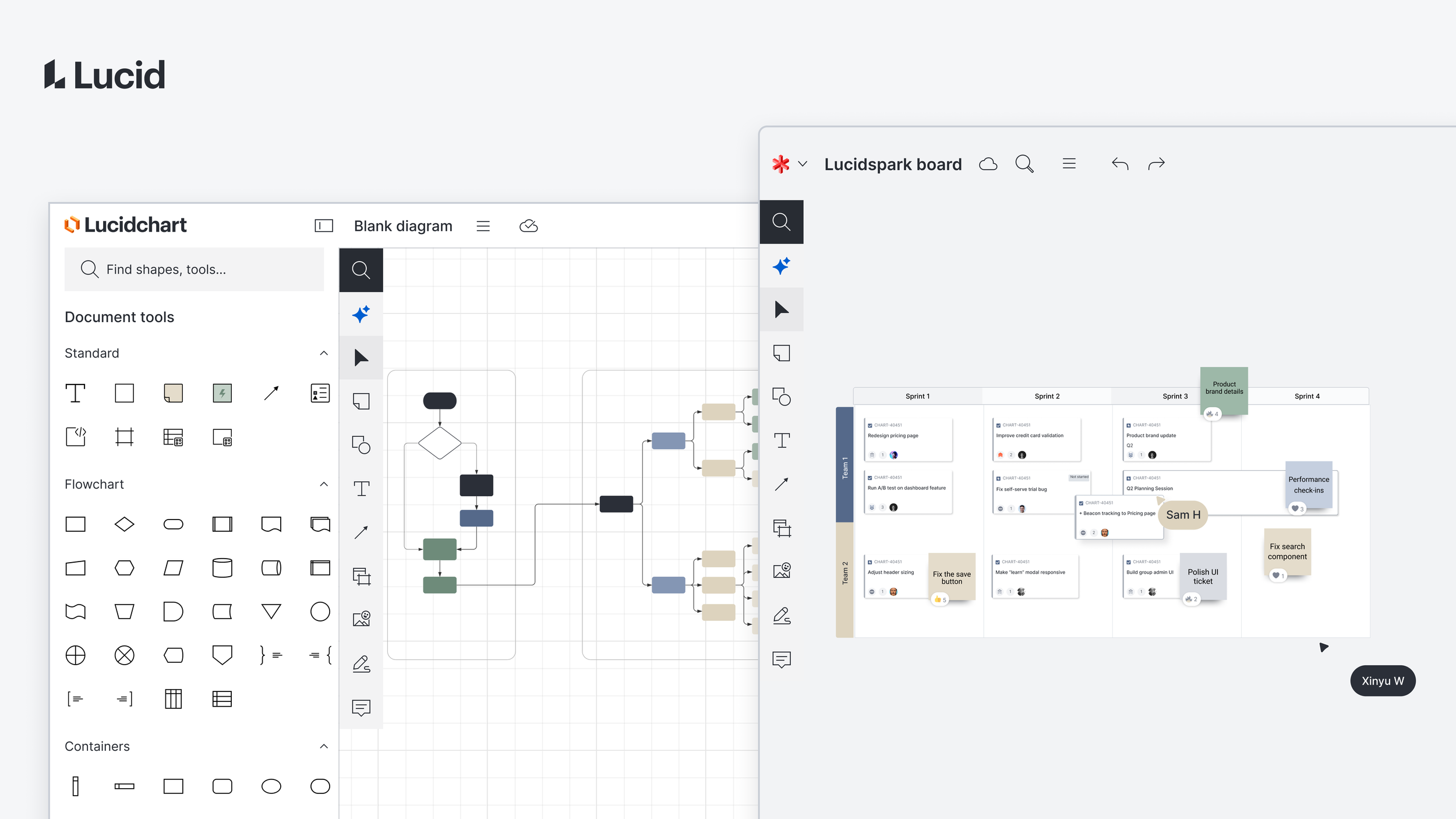
Lucid is a visual collaboration platform where over 100 million users brainstorm, diagram, and plan together on a shared canvas at the heart of the experience.
Timeline
Nov 2025 - Aug 2026
Team
1PM, 1QA, 4 Engineers
Role
Sole product designer
Led UX research and interaction design
About Nudging
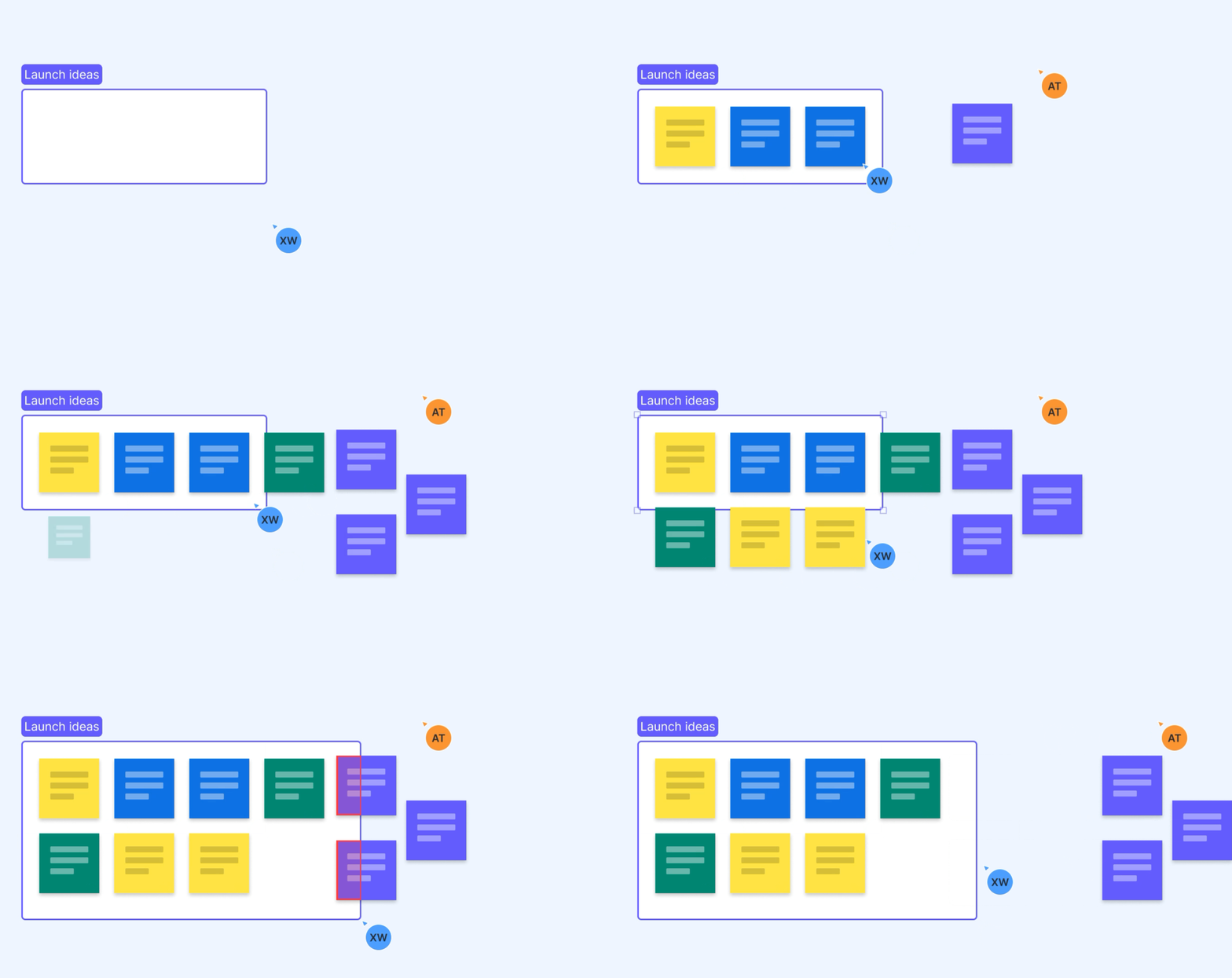
Nudging helps teams keep their canvas organized as content grows. When a frame expands, nearby objects automatically move out of the way, reducing manual cleanup.
Available across free, paid, and enterprise plans, Nudging needed to support a wide range of users and workflows while keeping canvas behavior predictable.
My contribution
As the sole product designer, I led UX research and interaction design to define what should move together, how Nudging should work alongside existing canvas behaviors, and when users should take control.
Challenge:
A small resize could interrupt someone else’s work.
During collaborative sessions, people added content side by side. As their work grew, content began to overlap, and they needed to expand their frames to make more room. But expanding one frame could encroach on someone else’s work. A small change could turn into a round of manual rearranging, interrupting the flow of collaboration.
Design approach:
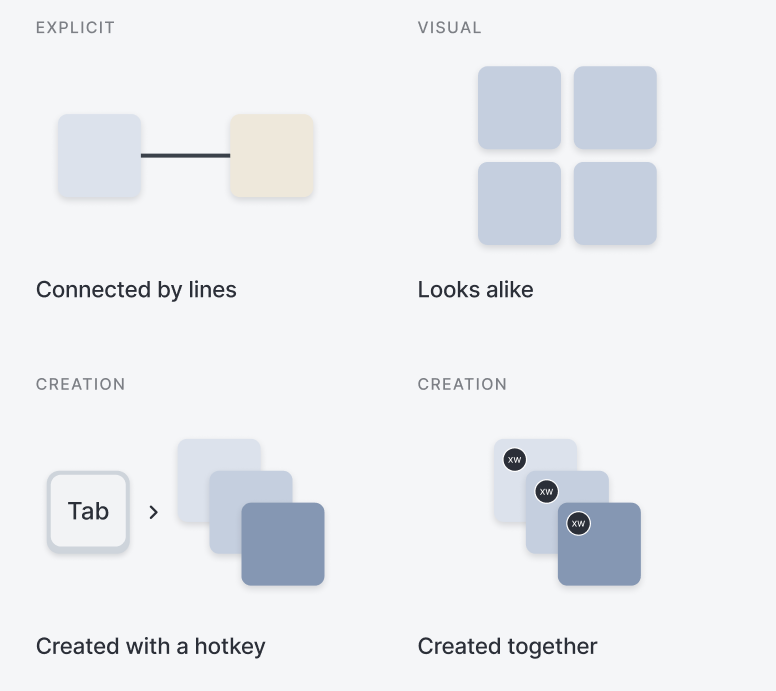
26-user prioritization studyMove what belongs together.
The initial approach moved only the shapes that directly collided with the frame. It solved the overlap, but could break structures users had already created.
I mapped the relationship signals already present on the canvas, then tested them with 26 users to understand which ones Nudging should trust most. Those findings shaped relationship-aware clustering, so related content could move together as one group
❌ Moves only what overlaps
✅ Moves the related group together
Respect what users chose to keep in place.
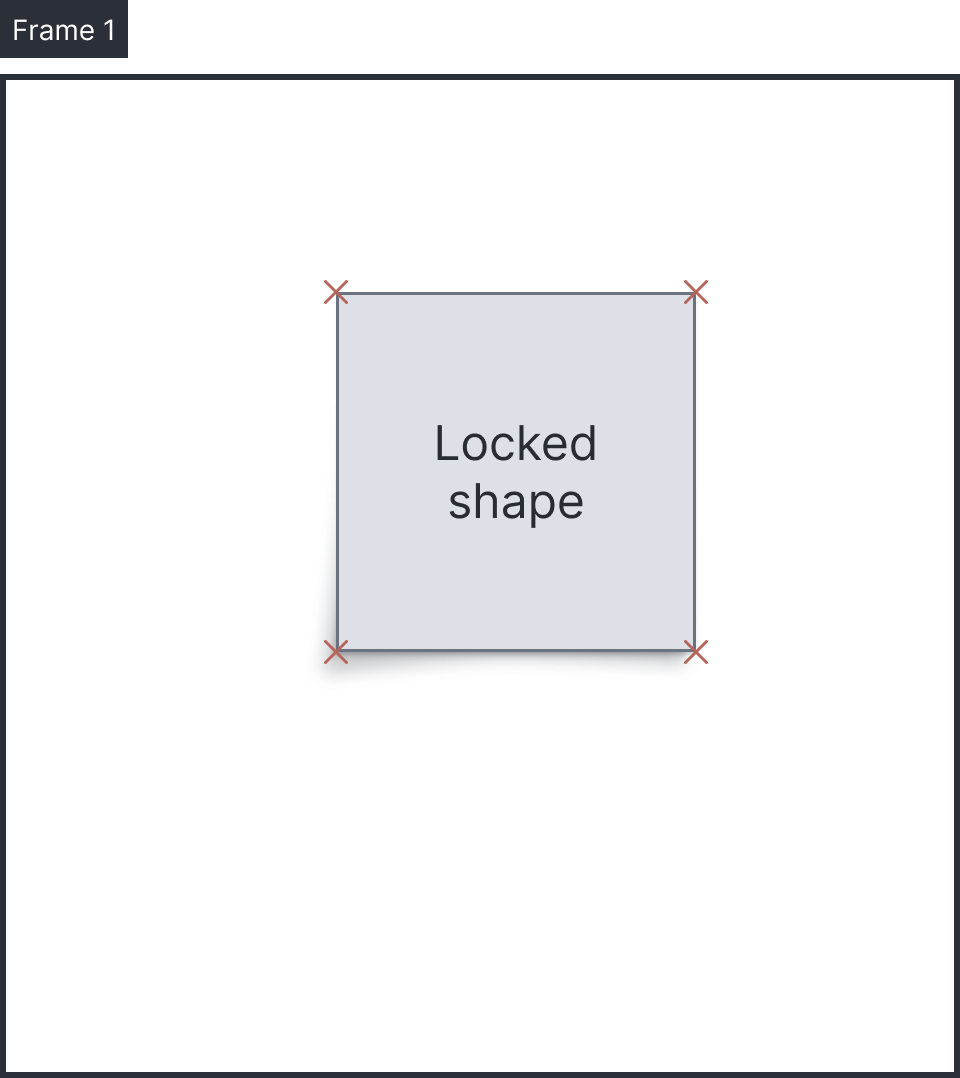
Users can lock content when they want it to stay exactly where they placed it.
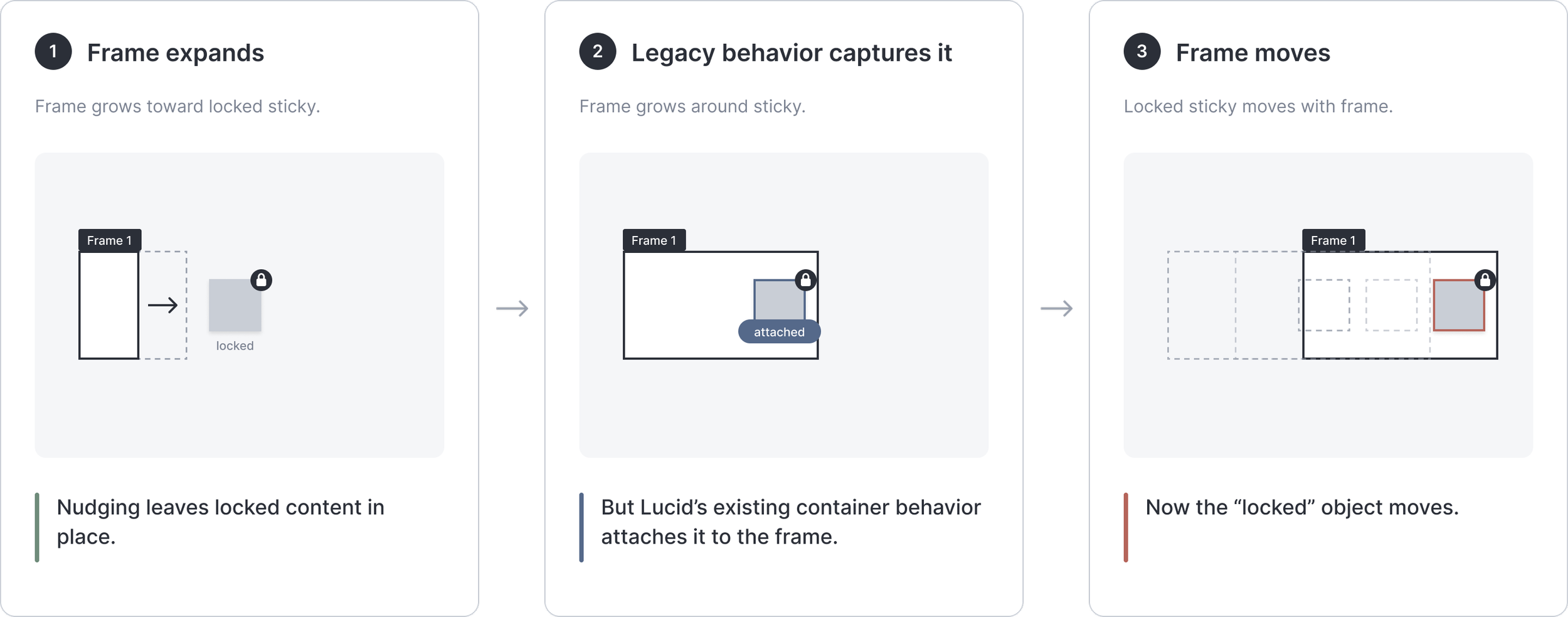
Nudging had to work alongside existing canvas behaviors. These interactions raised competing expectations about what should move, especially when content was locked.
I proposed keeping locked content in place. User feedback supported that direction and helped us resolve how Nudging should behave when these rules intersected.
Make control available when users need it.
Sometimes users expand a frame to bring content inside, rather than push it away.
A keyboard shortcut lets them temporarily disable Nudging while resizing. Testing showed that a pop-up hint was easy to miss, so I explored placing a contextual hint beside the cursor, where users were already focused. Another team later reused this hint pattern.
Impact:
Nudging reduced manual rearranging as frames expanded, keeping related content together and letting users temporarily override the behavior when needed.
+40%
Return usage after relationship-aware clustering improvements
13.0% →18.2%
“I do this kind of stuff all the time… I have to keep shifting things around… [Nudging] is super helpful, definitely.”
— External user, Cloud Solutions Architect
+21%
Satisfaction with layout / frame experience
62.5% →75.6%
“I use Lucid heavily for templates and leadership presentations, sometimes with hundreds of frames and tons of objects on a single board. Nudging has honestly been a lifesaver. It keeps my canvas organized without messing up the work I’ve already laid out.”
— External user, Automotive Industry Analyst
I’d be happy to share more about the research, design iterations, and impact during a call or interview.
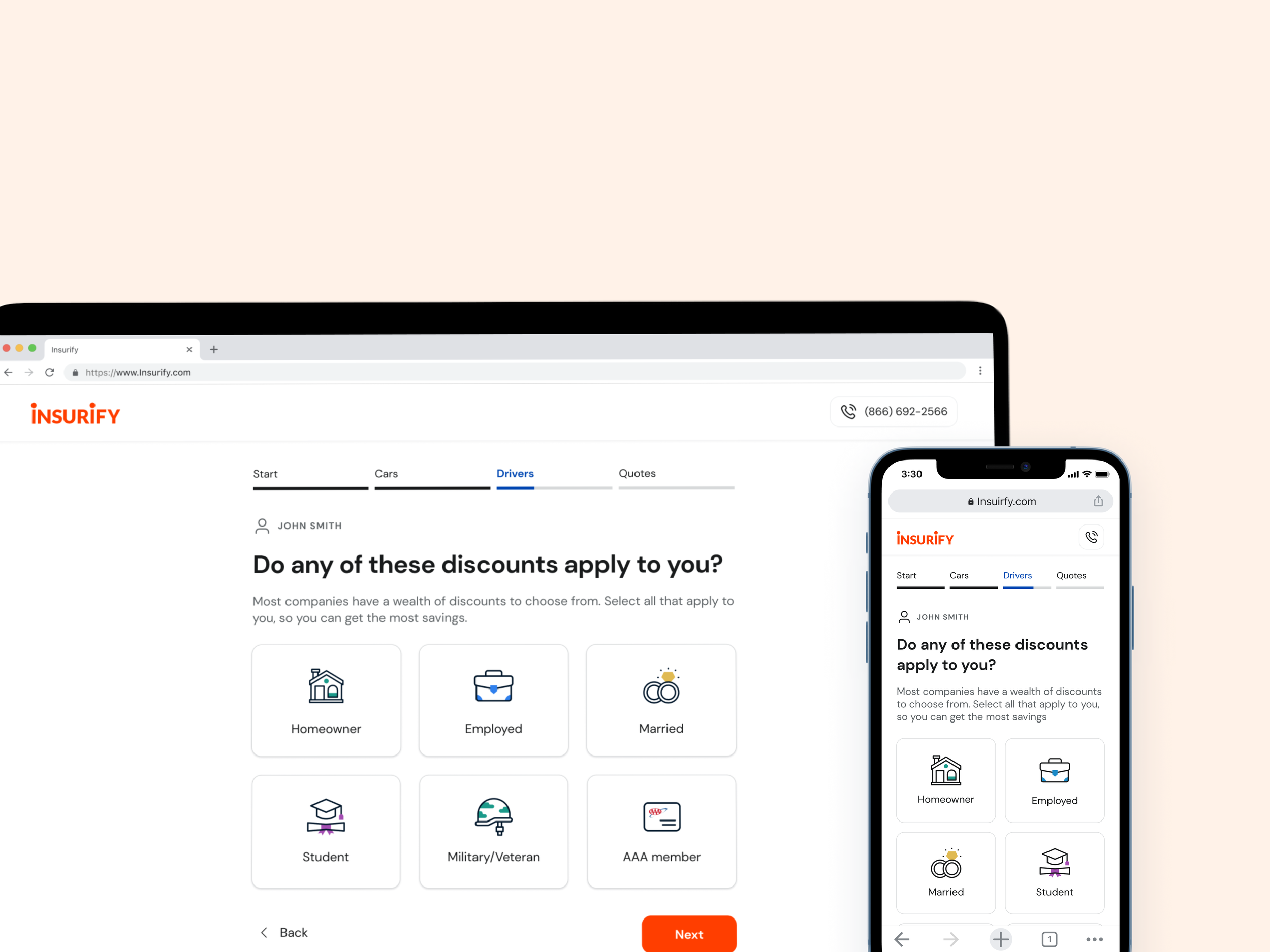
Insurify car insurance quote flow
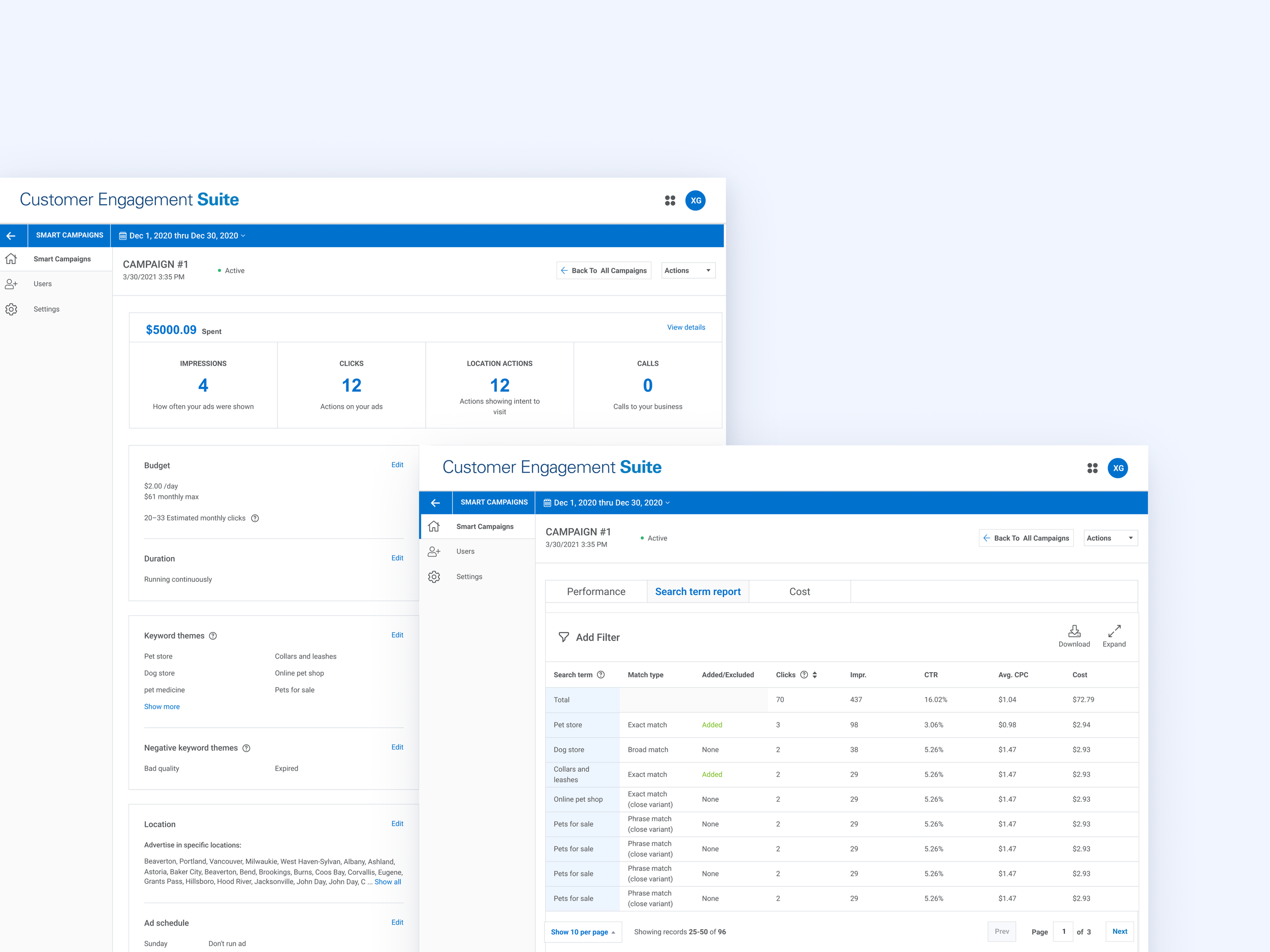
Global Payment
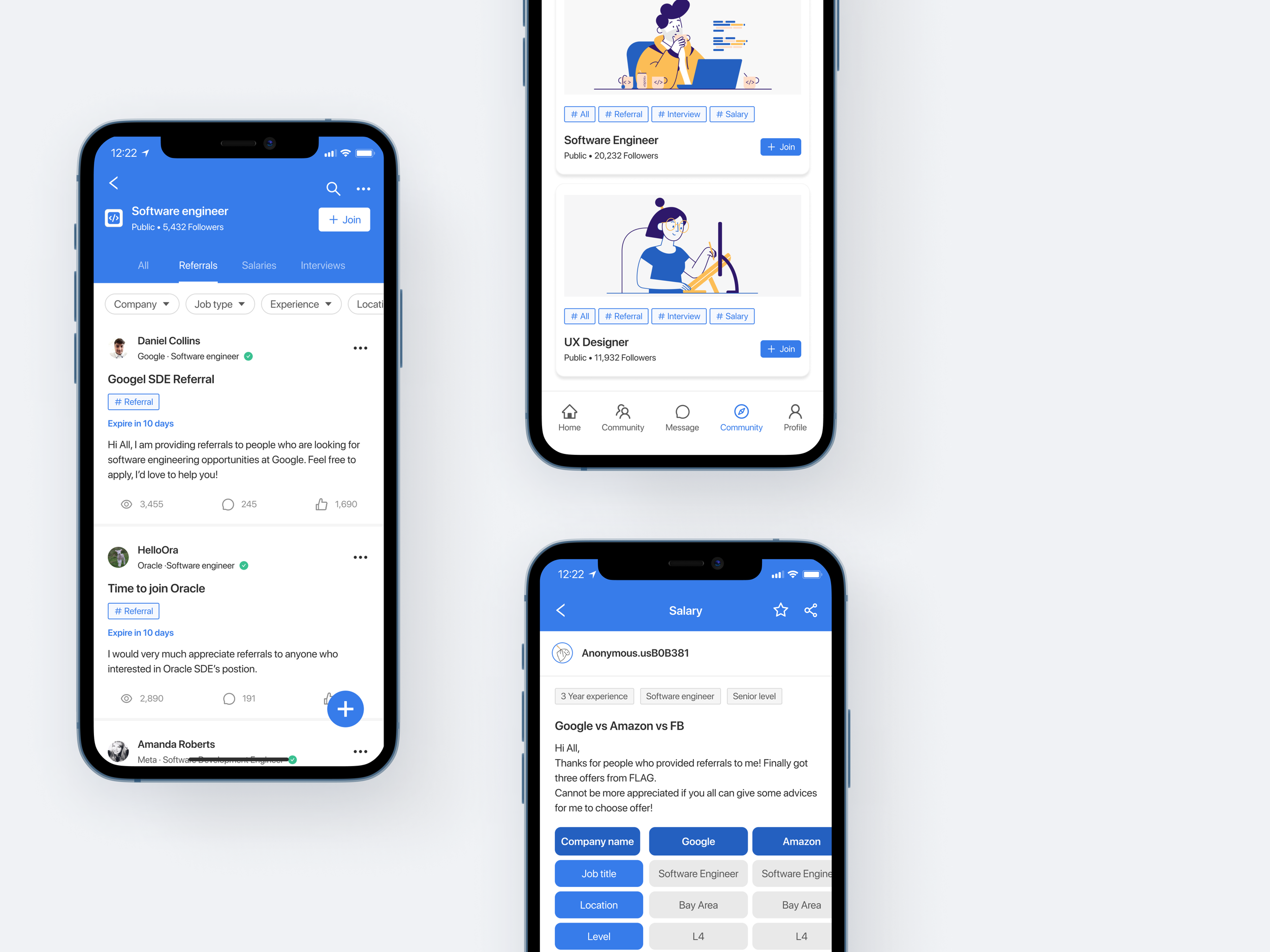
Soca - Anonymous mode